GitHub Copilot Customization Explained for Beginners: Instructions, Prompt Files, Skills, Agents, and Hooks Introduction If you've recently started using GitHub Copilot, you've probably come across terms like Instructions , Prompt Files , Skills , Agents , and Hooks . At first glance, they all seem to do the same thing—they tell Copilot what to do. So why does GitHub have five different customization features? The answer is simple: each feature solves a different problem. Think of GitHub Copilot as a new developer joining your team. On their first day, you don't just hand them code. You explain your coding standards, give them reusable templates, teach them specialized knowledge, assign them a role, and automate repetitive tasks. That's exactly how GitHub Copilot customization works. In this article, you'll learn what each feature does, when to use it, and how they all work together. By the end, you'll know which feature to start with and which ones can wait un...
Posts
Cleaning Azure Container Registry (ACR) on demand or schedule

In this blog post, we will see how to purge container images from Azure Container Registry (ACR). Till recent time most of them would have written custom PowerShell or bash script and run it to clean (purge) ACR container images. Recently Microsoft introduced a new preview feature to automatically purge images based on filters, duration, and untagged manifests. Additionally, this new preview feature supports to run on-demand or on a schedule using CRON expression. In my current project, our delivery team is committing code several times a day. This automatically triggers a CI pipeline from which images are automatically built and pushed into ACR. Most of them would be going through the same journey. In this situation using this new preview feature, helps to keep ACR clean and not worrying about the Container registry getting bloated with images. Both on-demand or schedule will make use of acr purge command. ACR purge is designed to run as a container command in ...
Azure Function in a Docker Container - Part 1
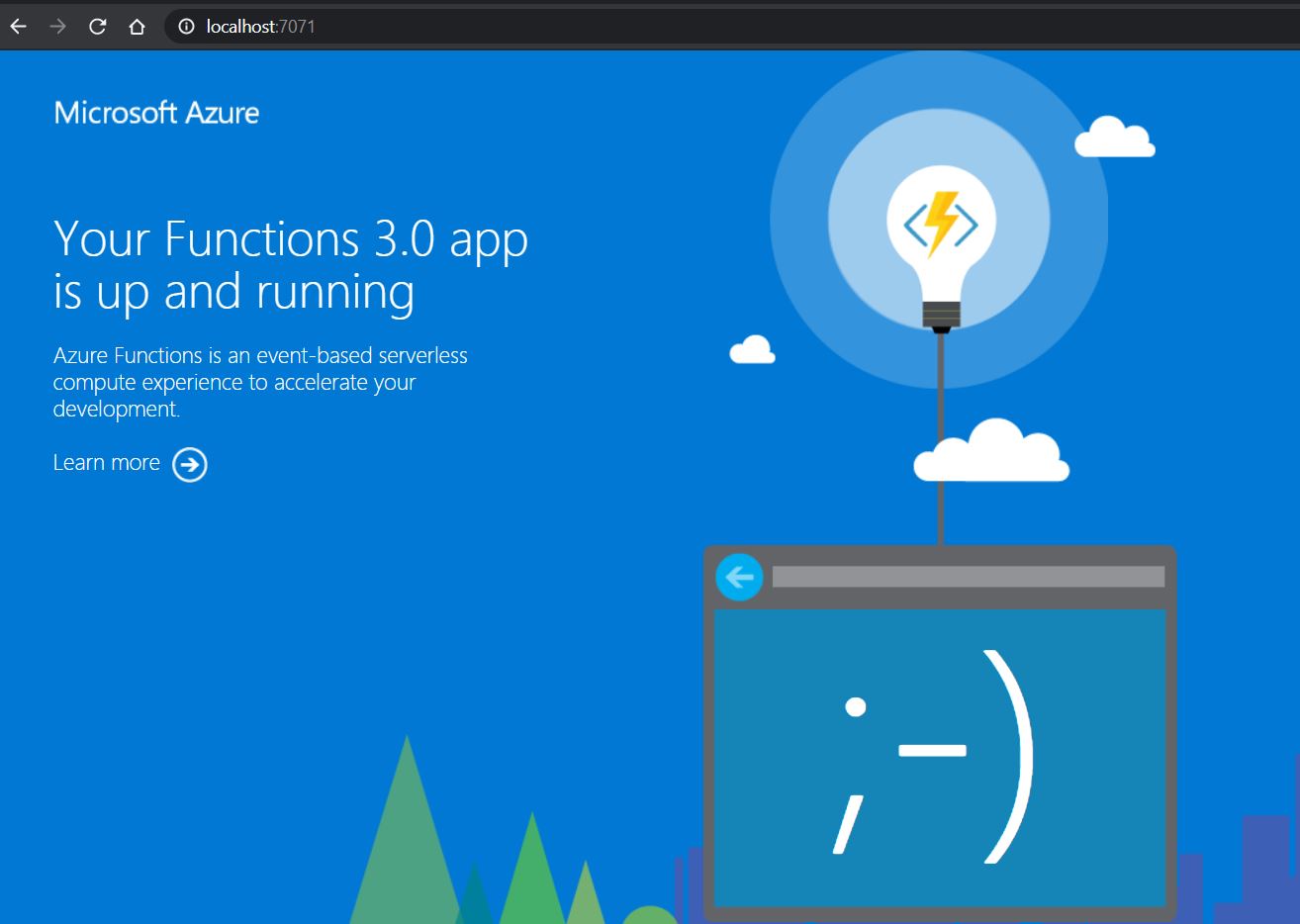
From Azure Function v2, .NET developers can now write functions using .NET Core. This means you can develop and run your Azure functions in more places (cross-platform). This opens up opportunities for running your Azure function in Docker container and taking it one step ahead by running Azure Functions on Kubernetes with KEDA (Kubernetes-based Event Driven Autoscaling). In this blog post, we will see how to run Azure Function in Docker Container. Now few questions arise like why do we need to run in a container, do we lose the benefit of Serverless because you will be paying only for the time your function is running based on your plan in Azure Function, etc. All these questions are valid but as soon as we enter the world of containerization and Kubernetes we want our application to be flexible enough to be hosted in an on-premises/cloud/hybrid environment. With containerization now you can use Azure Functions as your...
Building a CI pipeline for Containerized Asp.NET Core 3.1 using ACR Registry

This is continuation of a series of posts on using Docker and containerization with .Net Core. If you are new to this series its recommend to look at Getting started with Docker and Containers In this post will show how to setup a pipeline that continuously builds a repository that contains a Docker file. Every time you change your code and commit, the image is pushed to ACR Registry. Pre requisites 1. Github account 2. Azure DevOps Organisation if you don’t have one, you can create for free 3. Ensure you’re administrator of the Azure DevOps project 4. Azure Container Registry – more details can be found here 5. Azure Project to be created in Azure DevOps 6. Service Principal created in Azure – Creation process can be found here Get the co...
Building a CI pipeline for Containerized Asp.NET Core 3.1 using Docker Registry

This is continuation of a series of posts on using Docker and containerization with .Net Core. If you are new to this series its recommend to look at Getting started with Docker and Containers In this post will show how to setup a pipeline that continuously builds a repository that contains a Docker file. Every time you change your code, the image is pushed to Docker Hub. Pre requisites 1. Github account 2. Azure DevOps Organisation if you don’t have one, you can create for free 3. Ensure you’re administrator of the Azure DevOps project 4. Docker hub repository – more details can be found here 5. Azure Project to be created in Azure DevOps Get the code from GitHub https://tinyurl.com/ydtggef6 Create the Pipeline 1. Sign in to your Azure DevOps Organisation and navigate to your project 2. ...
Containerising .NET Core 3.1 Application

This is continuation of a series of posts on using Docker and containerization with .Net Core. If you are new to this series its recommended to look at Getting started with Docker and Containers . . NET Core 3.1 released December 3, 2019 as a Long-term support release as part of this post we will see how to containerise a Web API type application. Getting Started In this post we are going to see how to build a Container based application and basic commands which we use everyday when working with containers. Prerequisite’s · Install Docker · ...
Getting started with Docker and Containers

This is the first part of a series of posts on using Docker and containerization with .Net Core Background Docker , the technology which is nothing but a tool designed to make it easier to create, deploy, and run applications by using containers. A suite of command-line tools for creating, running, and sharing containers. Containers in simple words are nothing but fast light weight virtual machines (conceptually). Containers allow a developer to package up an application with all of the parts it needs, such as libraries and other dependencies, and ship it all out as one package. Containers offer a logical packaging mechanism in which applications can be abstracted from the environment in which they actually run. Available for both Linux- and Windows-based applications. Containers and Virtual Machine We often get asked how Containers are different from Virtual Machine? Are they same or is it VM++? Virtual Machine vs Containers ...