GitHub Copilot Customization Explained for Beginners: Instructions, Prompt Files, Skills, Agents, and Hooks Introduction If you've recently started using GitHub Copilot, you've probably come across terms like Instructions , Prompt Files , Skills , Agents , and Hooks . At first glance, they all seem to do the same thing—they tell Copilot what to do. So why does GitHub have five different customization features? The answer is simple: each feature solves a different problem. Think of GitHub Copilot as a new developer joining your team. On their first day, you don't just hand them code. You explain your coding standards, give them reusable templates, teach them specialized knowledge, assign them a role, and automate repetitive tasks. That's exactly how GitHub Copilot customization works. In this article, you'll learn what each feature does, when to use it, and how they all work together. By the end, you'll know which feature to start with and which ones can wait un...
Posts
Authenticate Azure Functions - API Keys

In this blog post, we will see one of the ways to secure your Azure Functions using API keys. Security plays a key role as part of SDLC (Software Development Life Cycle) doesn't matter whether it's exposed to the client/public or even if it's internal. There are multiple ways to secure your Azure Functions like API Keys, Certificate, API Mgmt, App Service Authentication, etc. If you are new to the Cloud and Azure Functions but want to make a start with minimal effort and less setup of Infrastructure, then API Keys is the ideal choice. Azure Functions allows you to secure HTTP-triggered functions by API access key in the request. As part of creating new Azure Functions, we can select the Authorization Level enum value. If we set the Authorisation level to Anonymous, no security applied which means no authentication applied for the endpoint. Authorization Level - Function By setting the Authorisation level to Function each Azure Functions require a specific API key to Au...
Azure Function in a Docker Container - Part 2

In my previous blog post , we looked at how to run Azure Function in a Docker Container locally using Docker desktop. In this blog post, we will see how to run the Azure Function container in Azure. Steps to run Azure Function in Container Create an Azure Function by choosing the right resource plan, resource group, a region with a storage account, and Application Insights for monitoring support. As part of the provisioning key things to support containerization, you need to choose the " Publish " option with " Docker Container " as shown below. Choose the hosting options based on your requirements like App-service plan or Premium. Once the Azure Function is provisioned navigate to the overview tab then you will be seeing a warning to configure container settings as shown below. Clicking on "Configure container settings" provides options to choose container image from Image source like Azure Container Registry Docker hub Private Registry For our demo, I h...
Azure Function in a Docker Container - Part 1
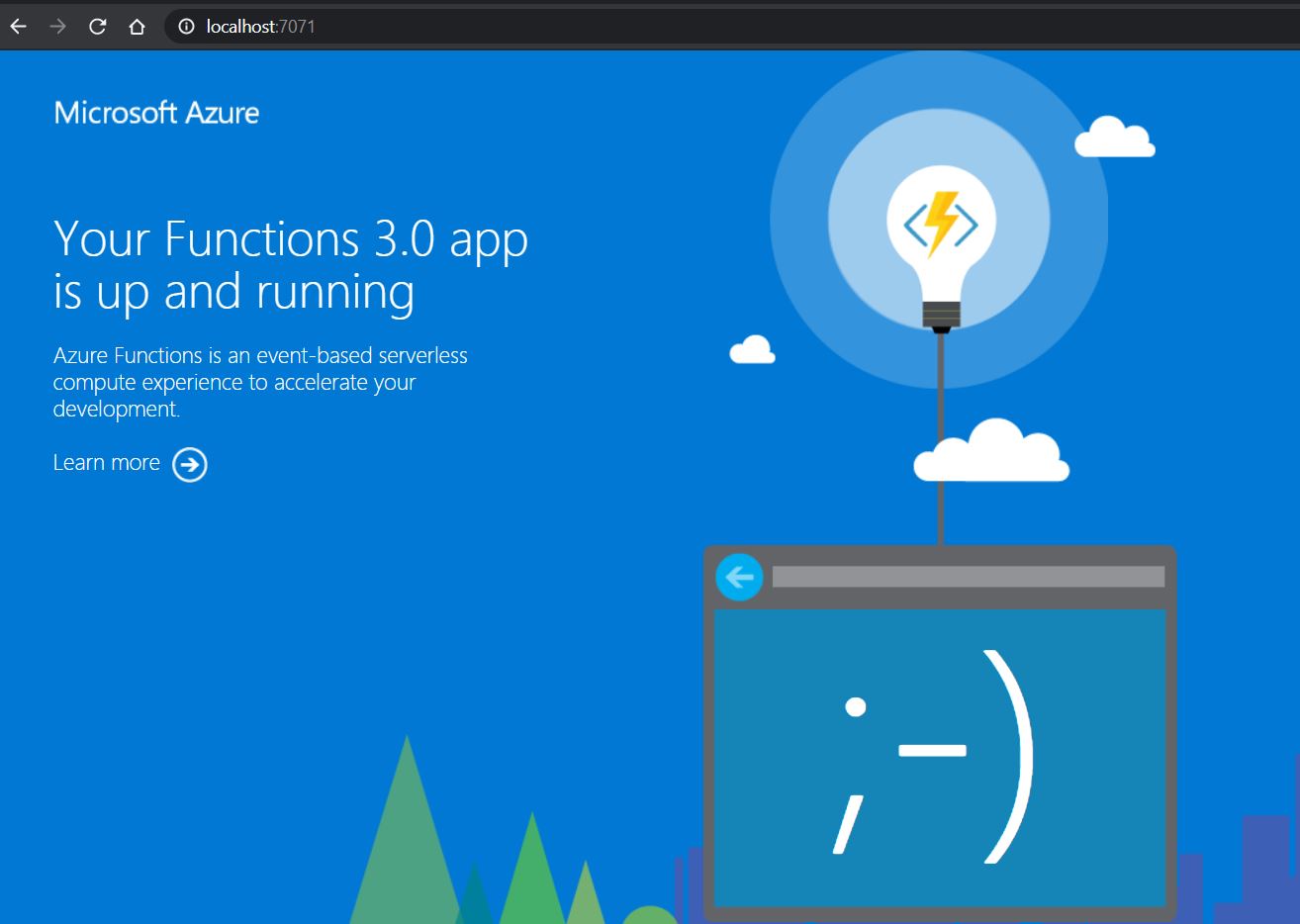
From Azure Function v2, .NET developers can now write functions using .NET Core. This means you can develop and run your Azure functions in more places (cross-platform). This opens up opportunities for running your Azure function in Docker container and taking it one step ahead by running Azure Functions on Kubernetes with KEDA (Kubernetes-based Event Driven Autoscaling). In this blog post, we will see how to run Azure Function in Docker Container. Now few questions arise like why do we need to run in a container, do we lose the benefit of Serverless because you will be paying only for the time your function is running based on your plan in Azure Function, etc. All these questions are valid but as soon as we enter the world of containerization and Kubernetes we want our application to be flexible enough to be hosted in an on-premises/cloud/hybrid environment. With containerization now you can use Azure Functions as your...
How to create Azure Function from OpenAPI/Swagger definition?

In my previous blog post , I have illustrated how to setup OpenAPI/Swagger UI for Azure Function. In this blog, post let's see how to create Azure Function from OpenAPI specification. As part of recent updates from the Azure Functions team, there was an announcement for creating Azure Function by importing OpenAPI/Swagger definition. Prerequisites Azure Function VS Code extension or command line autorest (Microsoft's OpenAPI specification generator) npm installed npm install -g autorest Supported languages C#, Java, Python, TypeScript. Steps to create function apps from Swagger definition Install or update VS code with Azure Function extension Navigate to Visual Studio Code à Azure Extension under which you should be able to see the option for creating Function App as shown in the below screenshot. ...
Swagger UI for Azure Function v2 & v3 APIs

In this blog post, we will see how to setup Swagger UI for Azure Function APIs in v2 and v3. Now you might be wondering why Swagger? Swagger is a language-agnostic specification for describing REST APIs, it also referred to as OpenAPI. Swagger UI offers a web-based UI that provides information about your REST APIs service. Prerequisites HTTP trigger Azure function provisioned or created in C# Azure DI enabled on Azure Function, for more details refer here with relevant package version installed based on Azure Function version. Integrating Swagger UI into our Applications 1. Install the appropriate package based on the Azure Function version which you are dealing with from the below table. Unfortunately, it's not a single package for both versions due to Azure function v3 because v3 makes use of ASP.NET Core 3.1 which introduces a new serializer System.Text.Json (STJ) out-of-the-box. Azure Function Version Nuget package v2 ...
Azure Function v3 with DI (Dependency Injection)

Azure Functions allows you to run small pieces of code (called "functions") without worrying about application infrastructure. Few key benefits of Azure function usage are like Serverless applications we can develop using Azure Function, can develop application with several languages like C#, Java, Python, Powershell. It supports pay per pricing model,integration with several Azure Services etc. As of today, Azure Functions 3.0 is now go-live and ready for production.One of the major benefits of this release is Azure Functions v3 targeting netcoreapp3.1. If you want to develop using .NET Core 3.1, you must use Visual Studio 2019 16.4 or newer.Upgrading a v2 app to v3 can be found here Just a brief history about version of Azure function with .NET frameworks Azure Function v1 - .NET framework 4.61 Azure Function v2 - .NET Core app 2.1 Azure Function v3 - .NET Core app 3.1 Support for dependency injection begins with Azure Functions 2.x. Having Dependency Injection ...
Disable Azure function for v1 and v2

Disabling an Azure function has a bug in v1, which is fixed in v2. Below I have made an attempt to explain with both version how it works. Azure function v2 Enable or disable Azure function bug is fixed in Azure Function v2. Now things are driven through portal using the below setting Azure function v1 Recently we had an issue in Production application, due to business reason we had to stop one of the Azure functions. We used Azure function app service running on App service plan and function is Time triggered. We tried with option available in Azure portal under functions where it lists all the functions available in the App service plan with status as shown below. For the Azure function we wanted to stop, we chose Disable option. However, immediately we noticed that the function was still running, and the function monitor showed those further executions. Solution: Below are the 3 options Approach 1 : Requires code change where we...